


Page History
...
| UI Expand | |||||
|---|---|---|---|---|---|
| |||||
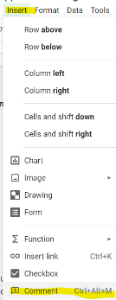
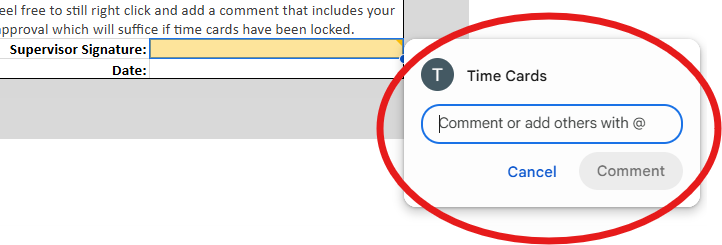
2. Open a Comment box for that cell using one of the options below.
3. Type in the comment box stating "I approve this (Insert type of request) for (Missionary Name)" and click the blue Comment button to submit your comment.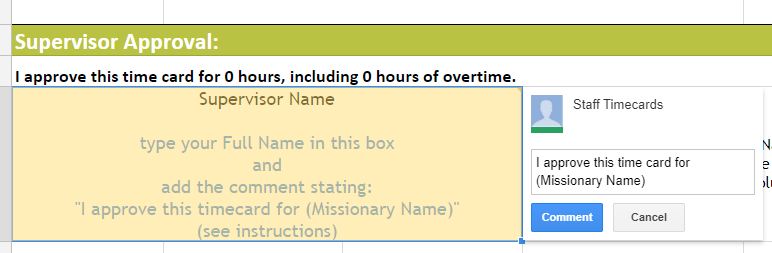 time card for {Employee Name}." Select the "Comment" button to submit your approval to the Reliant time card inbox.
4. Add the Date to the cell below your name. |

| UI Expand | ||
|---|---|---|
| ||
Send an email to the reliant.org inbox that requested the approval stating: "I approve this (Insert type of request) for (Missionary Name)". |
...
