


Page History
...
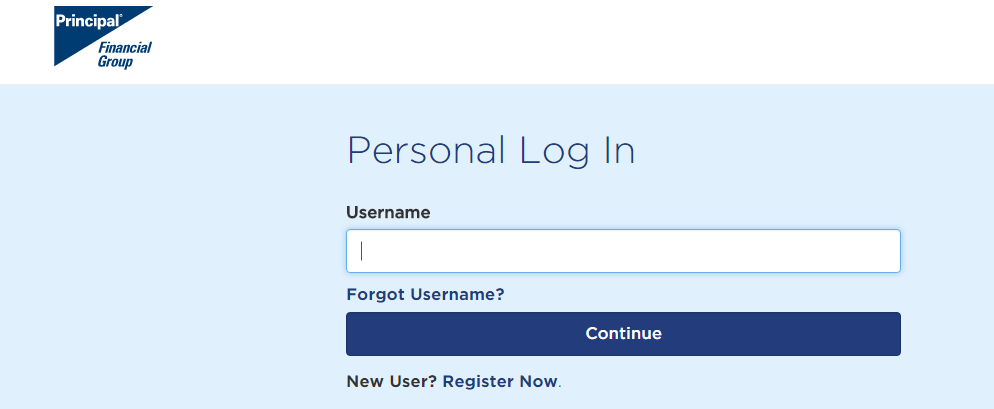
To make changes to your 401403(kb) accountinvestments, please log on to the Principal website. For your convenience, we have added the steps for using their website for common tasks below.
| Note |
|---|
To make changes to your 401(k) account, please log on to the Principal website using your social security number as your ID number. On your first visit to the Principal website you'll be instructed to set-up a password for your account. Reliant's plan # is 434798. For your convenience, we have added the steps for common tasks below. In addition please submit an updated support goal. You can find the support goal calculator on staffnet. (www.gcmstaff.net- MTD-Support Goal) (See also Support Goal Calculator for Additional Information on how to update your support goal).
|
This is used for changing the investments for your retirement plan:
...
You will reach a page titled Allocation for Future Contributions. Select the orange box. "Change Allocation for Future Contributions."
| UI Expand | ||
|---|---|---|
| ||
|
...
|
...
|
...
|
...
|
...
|
...
|
...
|
...
401 K Contribution Changes
This is used for changing the $ amount deducted from your paycheck.
...
|
| UI Expand | ||
|---|---|---|
| ||
|
...
|
...
|
...
|
...
|
401 K Beneficiary Changes
This is used for changing the beneficiary for your retirement plan.
- Login to Principal Website
- On the Welcome page, click on tab “Retirement & Investments” from main selection bar at the top.
- On the Your Account Overview page, find the "Your Account" blue box on the left of the screen and select "Plan Info & Forms"
- Beneath "Plan Info & Forms" select "Beneficiary."
- Your current beneficiary will be shown under "Beneficiary." Click on "Change Beneficiary" to change your information.
- On Designate a Beneficiary page, simply follow the instructions from there.
- After making your changes, you will be routed to a confirmation page. Review the change to make sure it is correct and click the "Submit" button to finalize the change.
...
