


Page History
...
- Go to HighmarkBCBS.com and select the Register option at the top of the page.

- Enter the required information so that Highmark can locate your account. If you have not received your ID card yet, you can use your Social Security number.
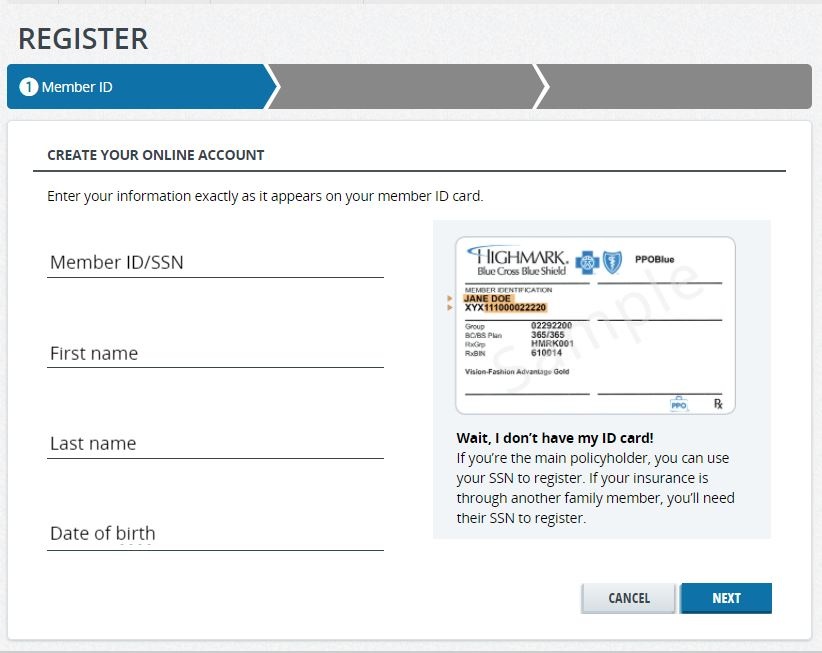
- Answer the following questions to verify your identity.
- Set up your log in information in order to access your account in the future.
- Make sure you are logged in, then go to "Claims and Spending" tab

- Select Access Spending Account ( this will open a new window )

- Once the new window is opened, you will be on your Health Saving's Account Dashboard where you can access your balance, transactions, etc...
- Look on the left side to see "Your Account", if your account is opened then it will display "$0.00"
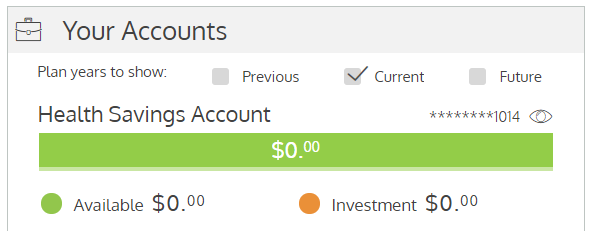
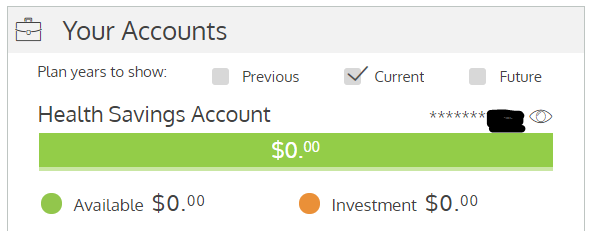
- Screenshot this screen and send it to benefits@reliant.org so we know the account is opened
If you have any questions please e-mail benefits@reliant.org
