After logging into MyGuidestone, The homescreen shows you "Recent Retirement Transactions" at the bottom of the screen. You also have an option to "Personalize" your dashboard to move things around so that you can see what you want easily.
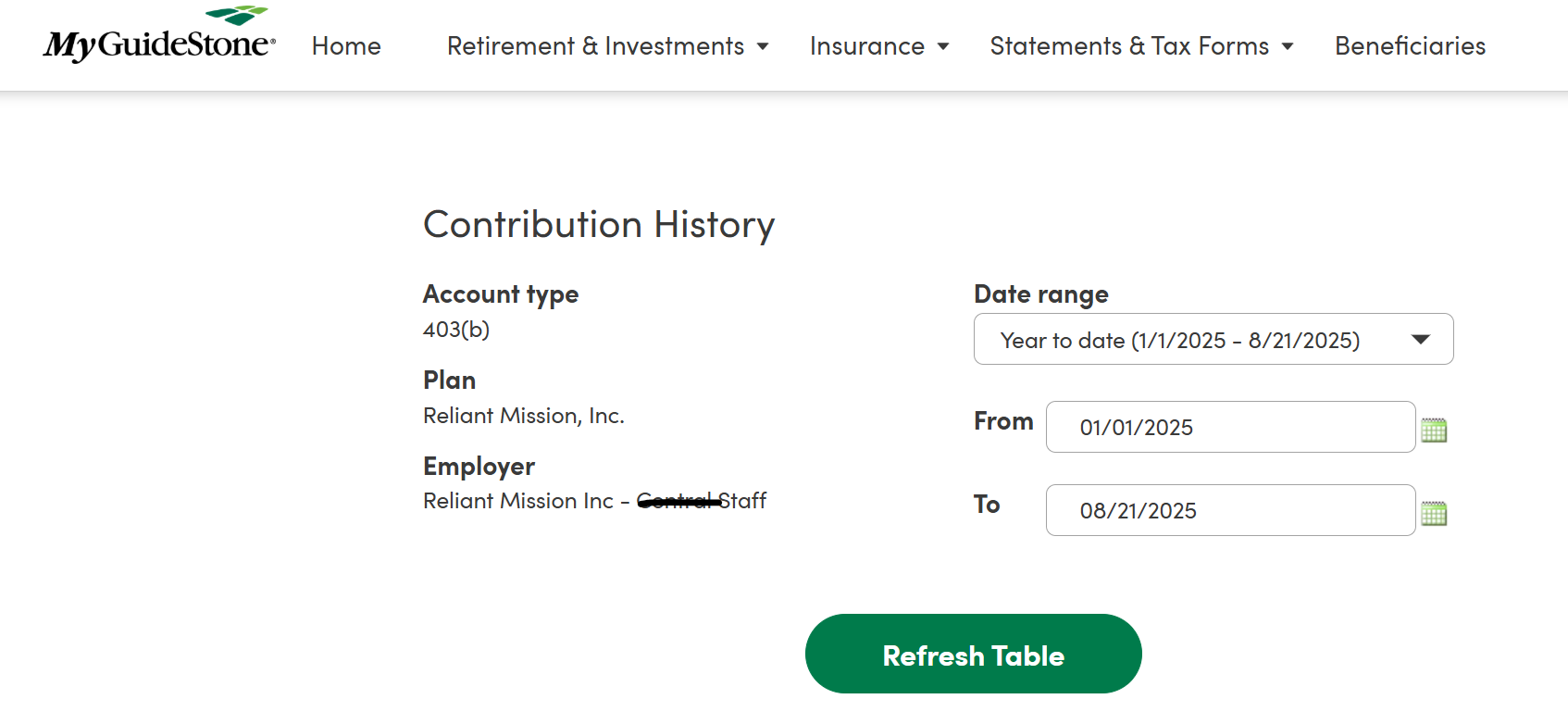
You can also access Contributions by going to: Retirements & Investments> Contributions> Contributions History. The next screen allows you to enter a date range you want to view for your Contribution History.