Partner Essentials is Shutting Down
Partner Essentials is shutting down. Please do not upload or add more data to Partner Essentials. Please see our informational page here for next steps: Partner Essentials Transition
| Step | Screenshot |
|---|---|
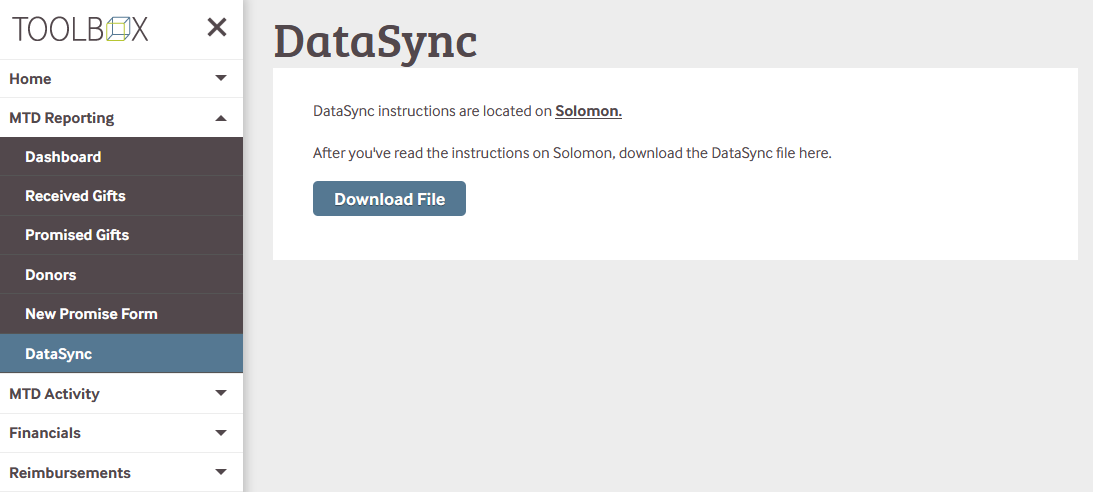
First, go get your DataSync file from Toolbox: https://toolbox.reliant.org/mtd/datasync This is the file we'll be importing into MPDX. Note: You must download a new DataSync file each time you want to update your data. |
|
| Log in to MPDX, and go to "Settings > Connect Services" | 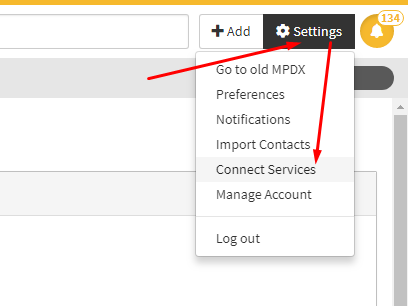 |
| Then click the "Organization" expander. | 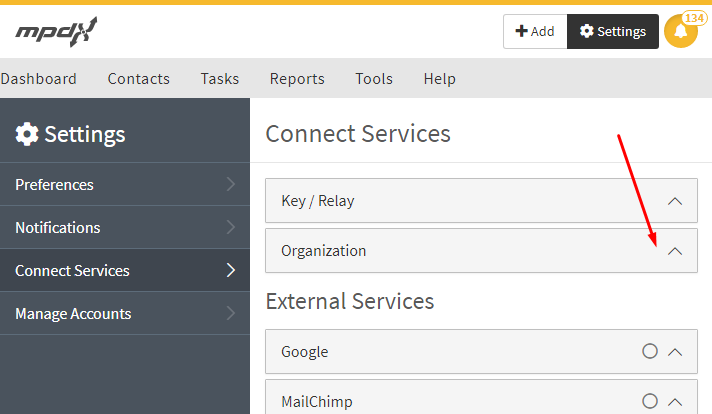 |
| Next, click "Choose File" | 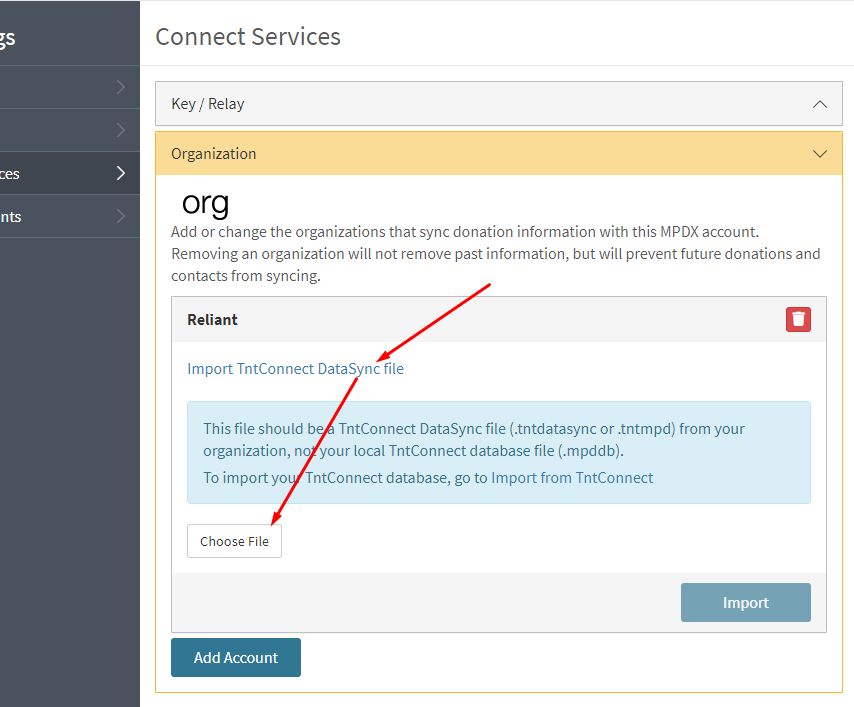 |
| Navigate to the location you saved the DataSync file you just downloaded from Toolbox, select it, and click "Open". | 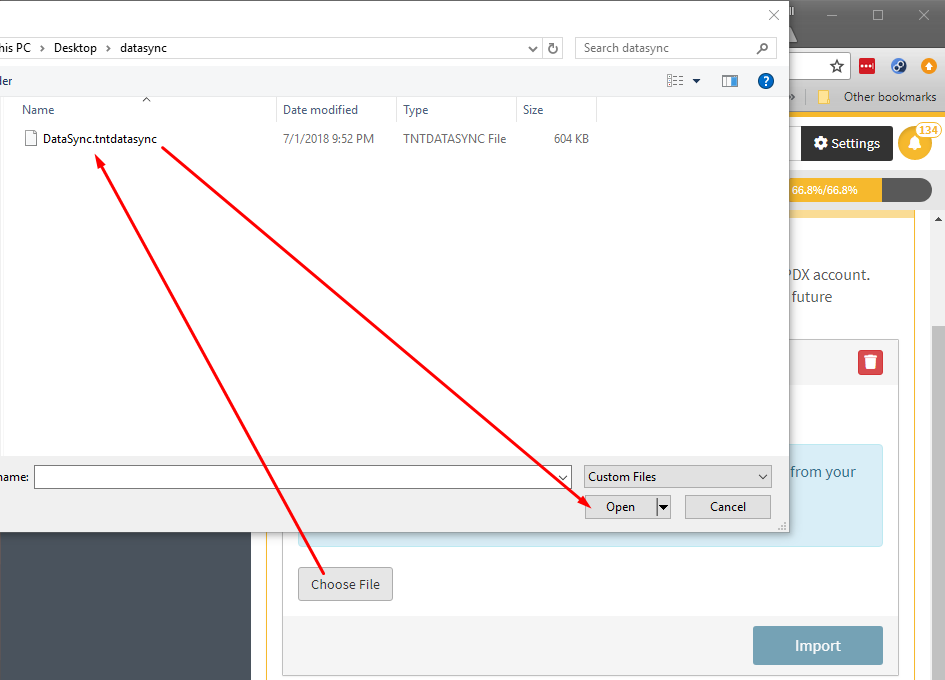 |
| Then click "Import". | 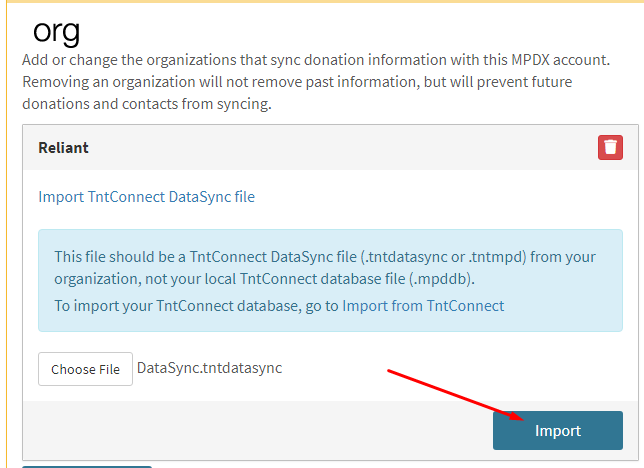 |
| You should see a pop-up saying that the file was uploaded, and that the import has started. | 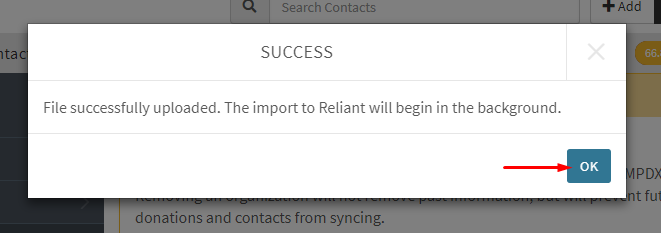 |
| Note: As the pop-up stated, the file will be loading in the background... meaning, the file will not be completely loaded until you receive an email from MPDX. | 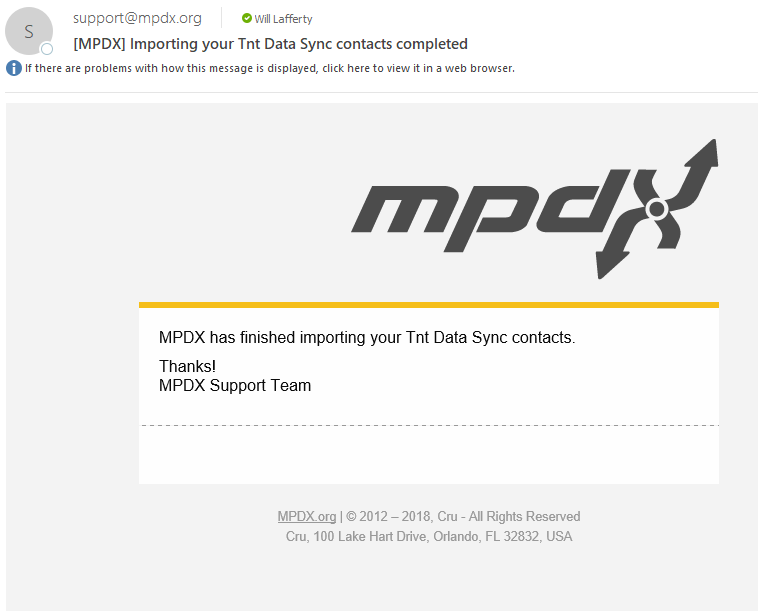 |