Page History
...
- This step is the reversal of step 3; if you skipped step 3, then you may also skip this step.
To re-enable automatic tasks after you have imported all your gifts:- Select Tools in the top menu bar, and click on “Options” [Figure a1]
- In the Options dialog, select the “Gifts” tag and check the “Enable Automatic Actions for New Gifts” option [Figure a2]
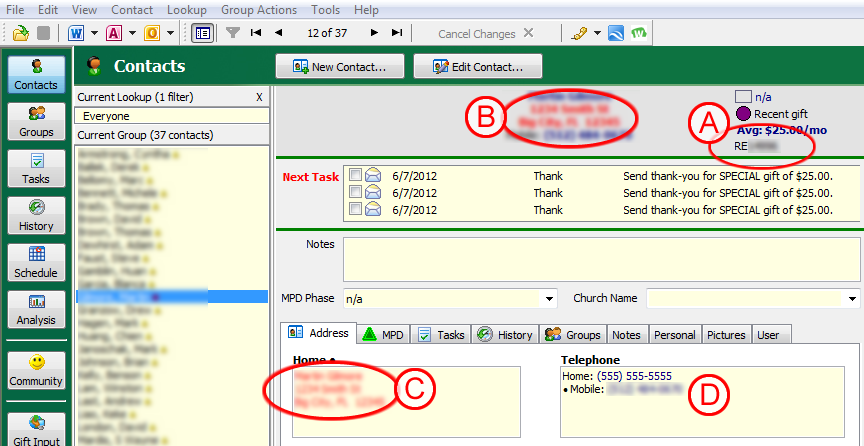
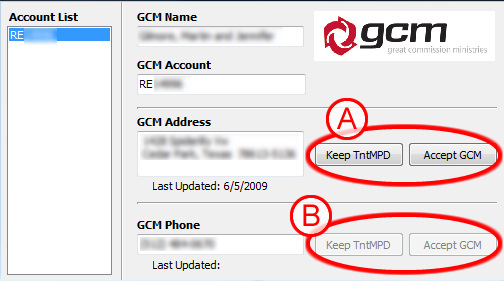
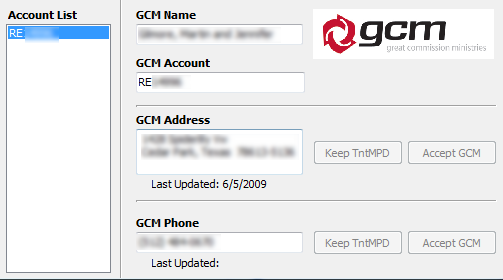
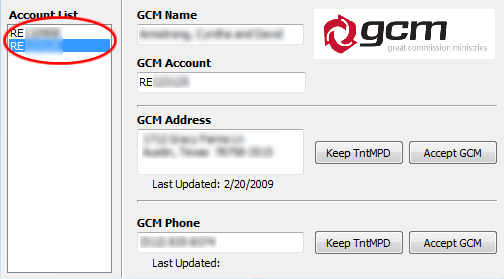
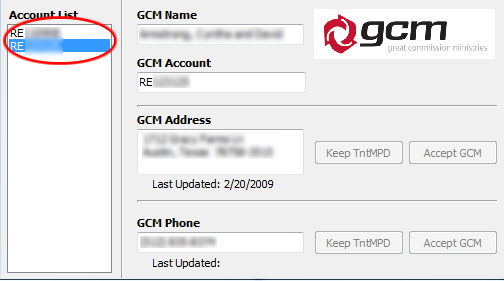
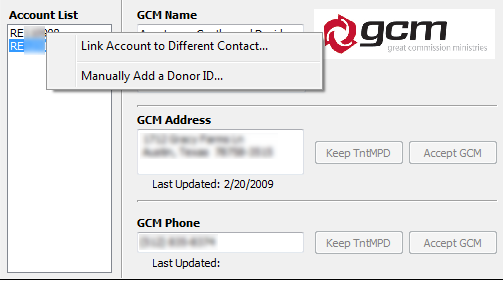
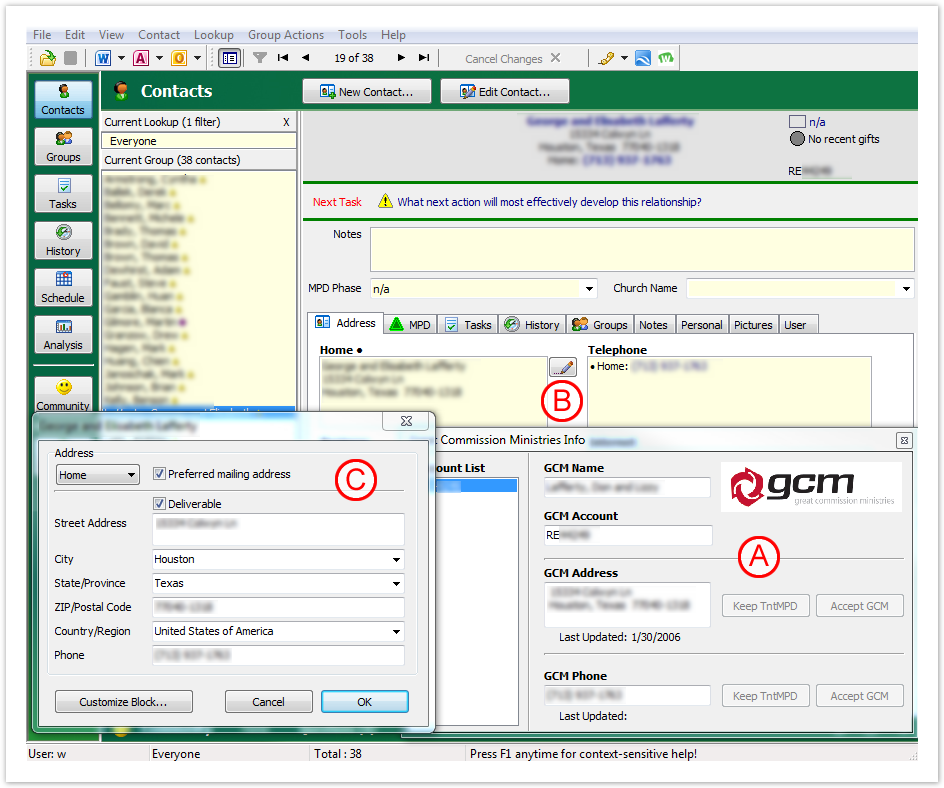
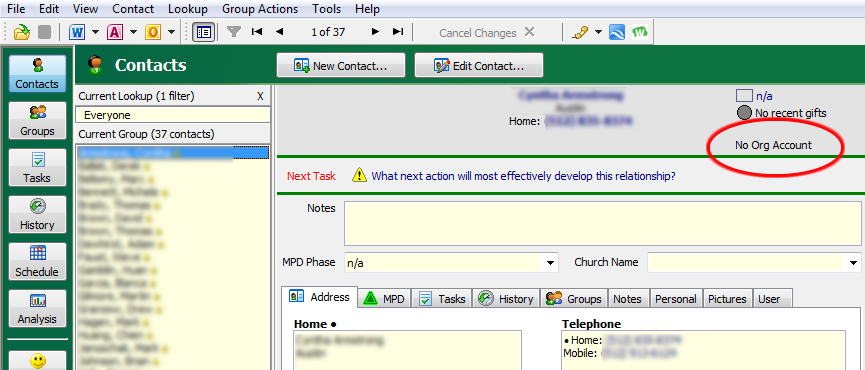
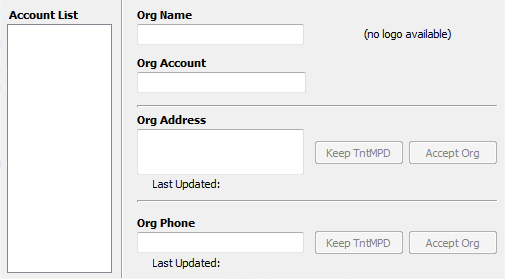
- Ok, so, you're sync'ed, but what does that mean exactly? Did TntMPD just update all of your contact's contact information with GCM's data? The datasync you just completed associated your TntMPD contact with a GCM donor. and it did this using GCM's donor number (RE######). If you take a look at the top right of a contact who has not been associated with a donor, you will see "No Org Account" [Figure #]. If you click on "No Org Account" a screen with no information will popup [Figure #].
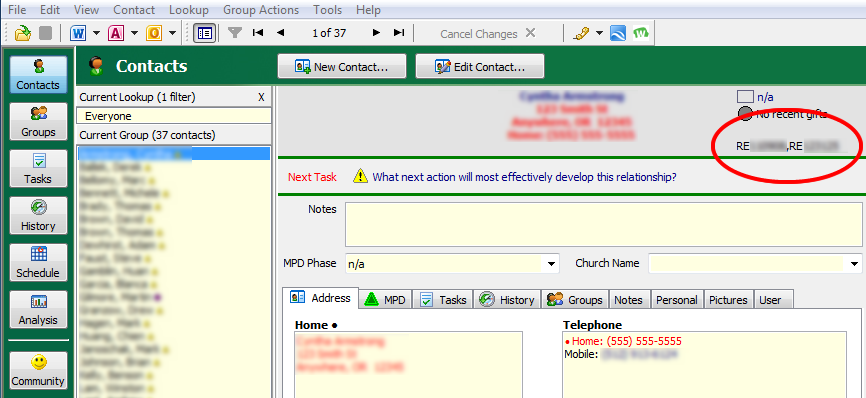
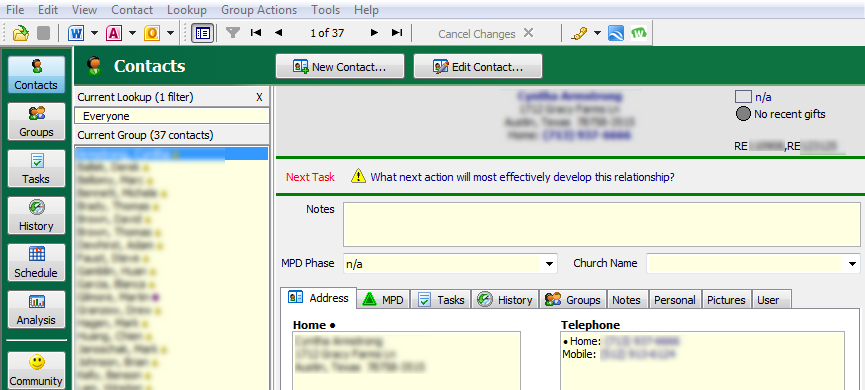
Once you have run the datasync and a contact has been connected with a donor you will then see the GCM's donor number their instead [Figure #].