View live form:
Click to see the form as your field staff sees it.
To send the PMR to your field staff, click the Send Form button on the right of your PMR.
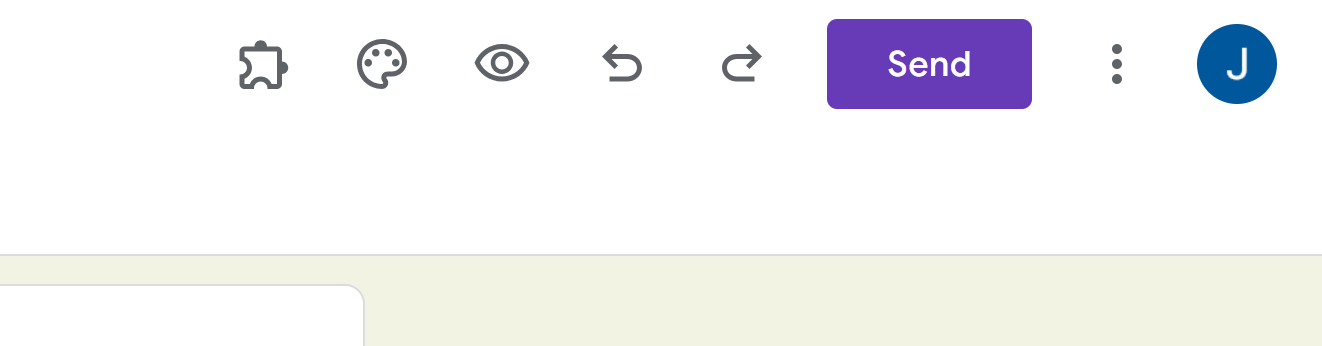
This will give you the option to copy/paste the link to the live form or send a Google email with the link.
View Responses:
To access your field staff's weekly responses, you'll first have to set up the spreadsheet where you want those responses to go.
From the Edit Form screen, click the "View responses" button. This will create a new page. This is where you find the responses your field staff will put into their form.
Rename this spreadsheet to reflect your field staff's name - so you don't confuse spreadsheets from multiple field staff.
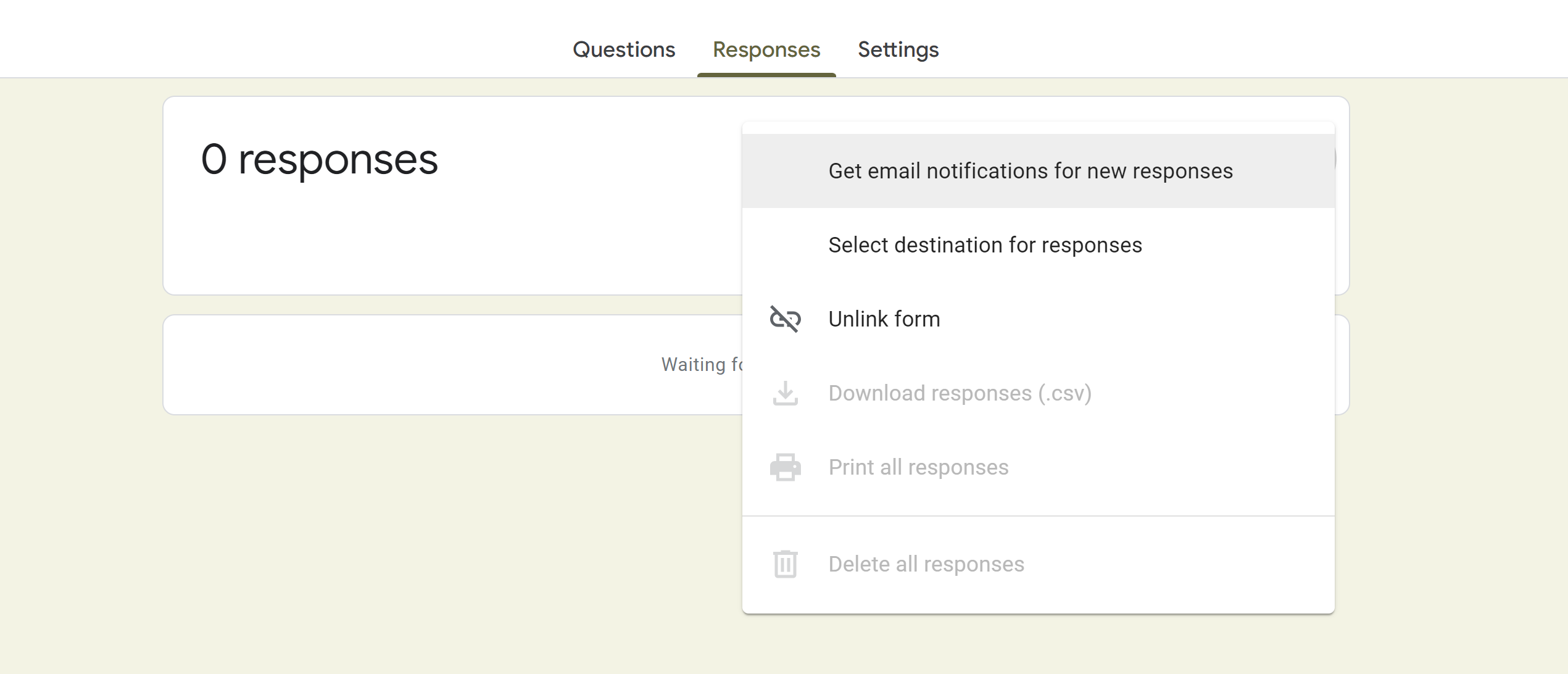
Activate Notification Rules so you get an email when your field staff completes their PMR form. Here’s how to do that:
Click “Responses” then select “Get Notification for New Responses”
Edit Questions
These Google PMR forms can be customized for each field staff's needs. Some might want accountability in a particular area (i.e., checking Reliant email weekly). Feel free to add those as questions to their PMR.
When introducing the PMR to a field staff, it is helpful to look through and decide together if any customizations are needed.
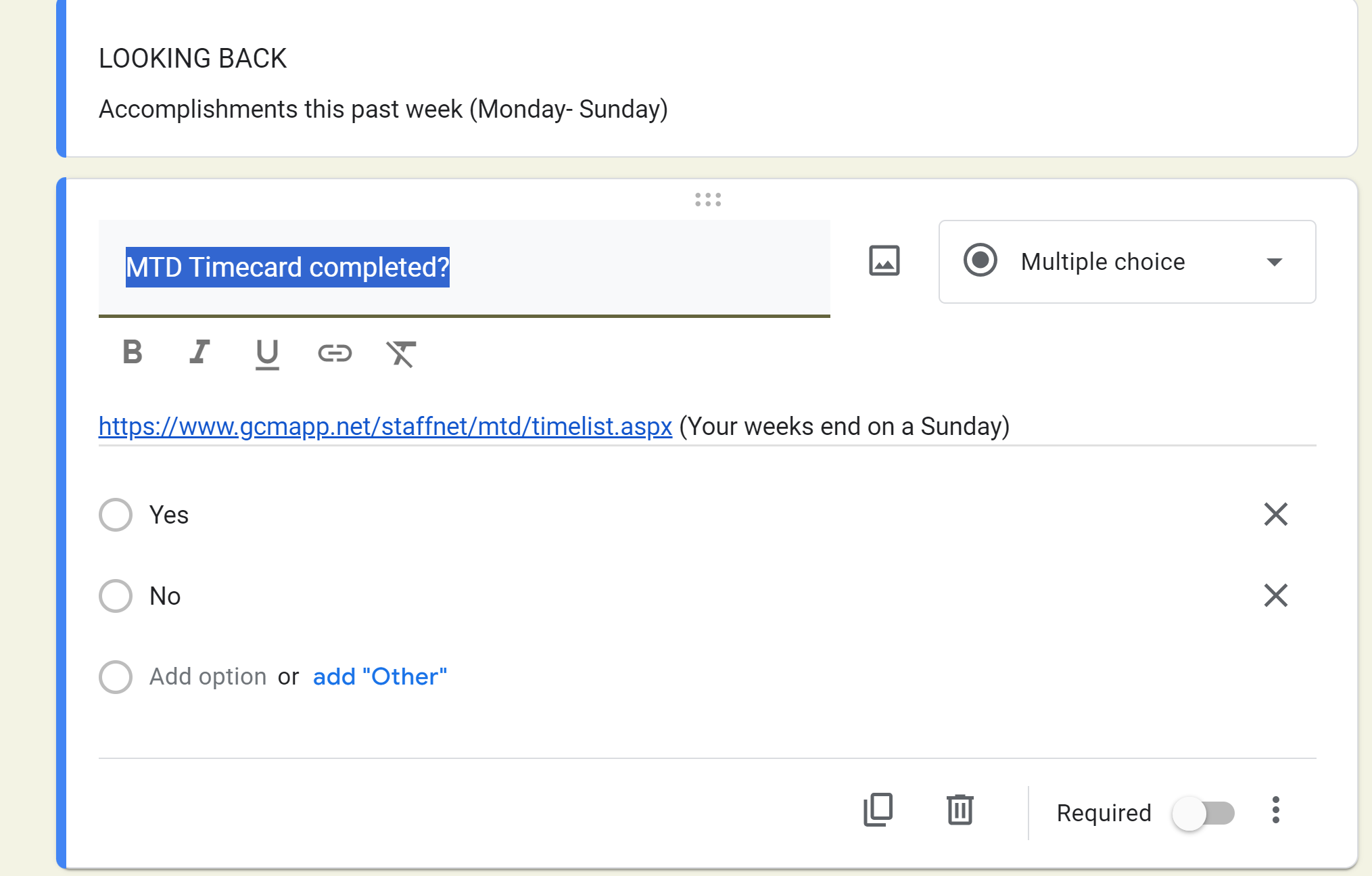
When editing a question, it will look like this:
Edit by clicking on the question. This is done through the Edit page, not the live form or the responses spreadsheet.
***For more on how to edit Google form questions, check out this video tutorial. *Start at the 1:30 mark.