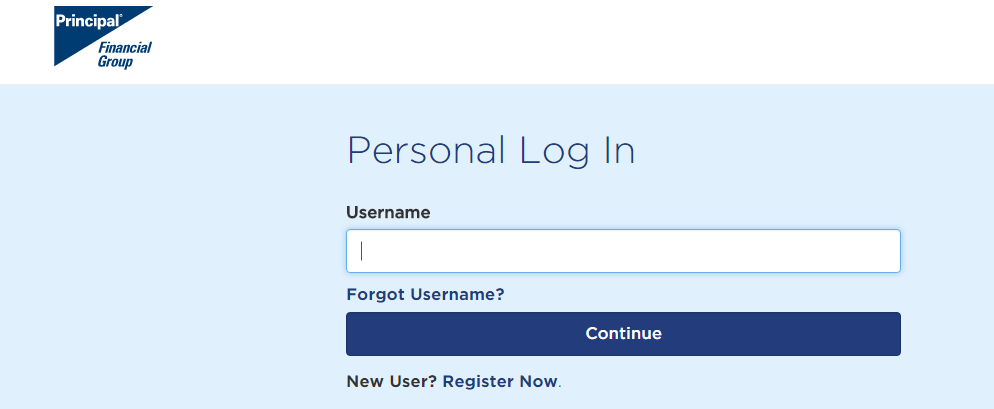
To make changes to your 401 K account, please log on to the Principal website. For your convenience, we have added the steps for using their website for common tasks below.
To make changes to your 401 K account, please log on to the Principal website using your social security number as your ID number. On your first visit to the Principal website you'll be instructed to set-up a password for your account. Reliant's plan # is 434798. For your convenience, we have added the steps for common tasks below. Principal Website Login https://secure05.principal.com/signon/member In addition please submit an updated support goal. You can find the support goal calculator on staffnet. (www.gcmstaff.net- MTD-Support Goal) (See also Support Goal Calculator for Additional Information on how to update your support goal). If you have any questions regarding enrollment you can call Barb Seckler (ext. 108) or email (barb.seckler@reliant.org) in the Reliant Finance Department |
This is used for changing the investments for your retirement plan
You will reach a page titled Allocation for Future Contributions. Select the orange box. "Change Allocation for Future Contributions."
"Allocate Future Contributions" will only apply for future investments from your payroll. Your previous balance will not be transferred to the new investments unless you also select "Reallocate Existing Savings" or "Rebalance" under the "investements-"Manage" options from the "Your Account" Blue box on the left side of the screen. Please use caution when selecting these options and seek counsel from Principal (800-547-7754) before making changes if you do not understand these options. |
Select the option that best meets your investing preference- "Choose a Do-It-For-Me Feature" or "Choose a Do-It-Myself Feature." Selecting "Choose a Do-It-For-Me Feature" will take you to a screen where you can select the suggested Principal Lifetime Fund based on your expected retirement age. Selecting "Choose a Do-It-Myself Feature" will take you to a screen where you can "Choose your own Asset Allocation." Choose your investments and change the investment percentages according to your personal preference and select the continue button to advance to the next screen.
This is used for changing the $ amount deducted from your paycheck.
This is used for changing the beneficiary for your retirement plan