If you already have a login for GuideStone insurance, you may use your existing login to access the retirement account information with GuideStone once you have reached eligibility status and Reliant has enrolled you in the retirement plan. If you have not registered with Guidestone, you must register first before you can make any changes. If you are newly eligible for enrollment in Reliant's 403(b) plan, you will need to wait until you receive your enrollment welcome email from Guidestone before you can register or make changes to your account.
Once you receive the enrollment welcome email from GuideStone you can follow the steps below to register.
To Register With Guidestone:
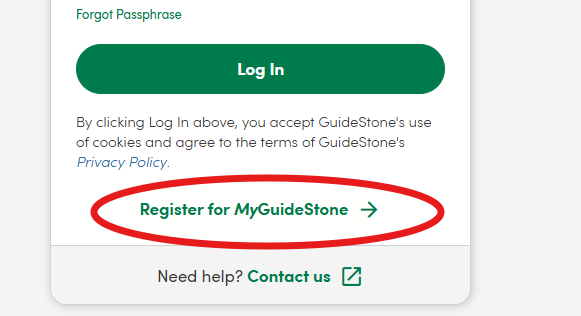
- Go to https://my.guidestone.org/
- Click on "Register for MyGuidestone" and follow the prompts to register your account.
- If you attempt to register your account BEFORE you are enrolled with Guidestone, you will receive an error. Please wait until you receive the welcome email from Guidestone, as that is the confirmation you have been enrolled and have an account. If you receive an error and you have already received the email from Guidestone confirming your enrollment, please email us at payroll@reliant.org so we can look into it for you.