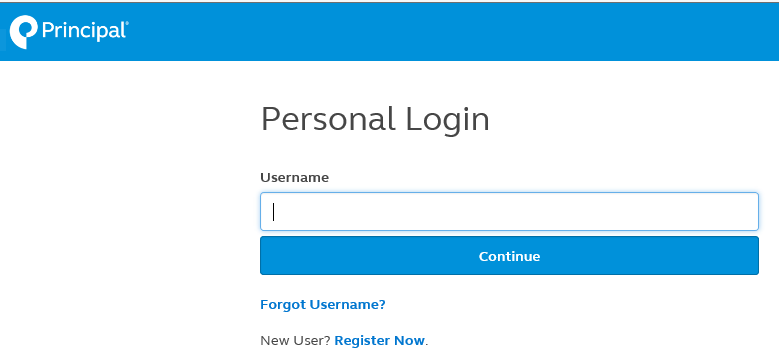
To make changes to your 403(b)(9) beneficiaries, please log on to the Principal website.


On your first visit to the Principal website you'll be instructed to set-up a password for your account.  By selecting "new user" you'll be prompted for your social security number and plan number.  Reliant's plan # is 4-76065 .  

403(b)(9) Beneficiary Changes

This is used for changing the beneficiary for your retirement plan.

  1. Login to Principal website.
  2. On the Welcome page, click on tab “Retirement & Investments” from main selection bar at the top.
  3. On the Your Account Overview page, find the "Your Account" blue box on the left of the screen and select "Plan Info & Forms."
  4. Beneath "Plan Info & Forms" select "Beneficiary."
  5. Your current beneficiary will be shown under "Beneficiary." Click on "Change Beneficiary" to change your information.
  6. On Designate a Beneficiary page, simply follow the instructions from there.
  7. After making your changes, you will be routed to a confirmation page. Review the change to make sure it is correct and click the "Submit" button to finalize the change.