Check Notifications and AlertsNotificationsOn the top right corner, you should see your name and a Notifications tab. Clear any red notifications that may be there. 
If you have notifications that have a lightbulb icon that you can't open or get rid of, then you can click the 3 vertical dots on the right side and select "Mark as Read" or "Dismiss." 
|
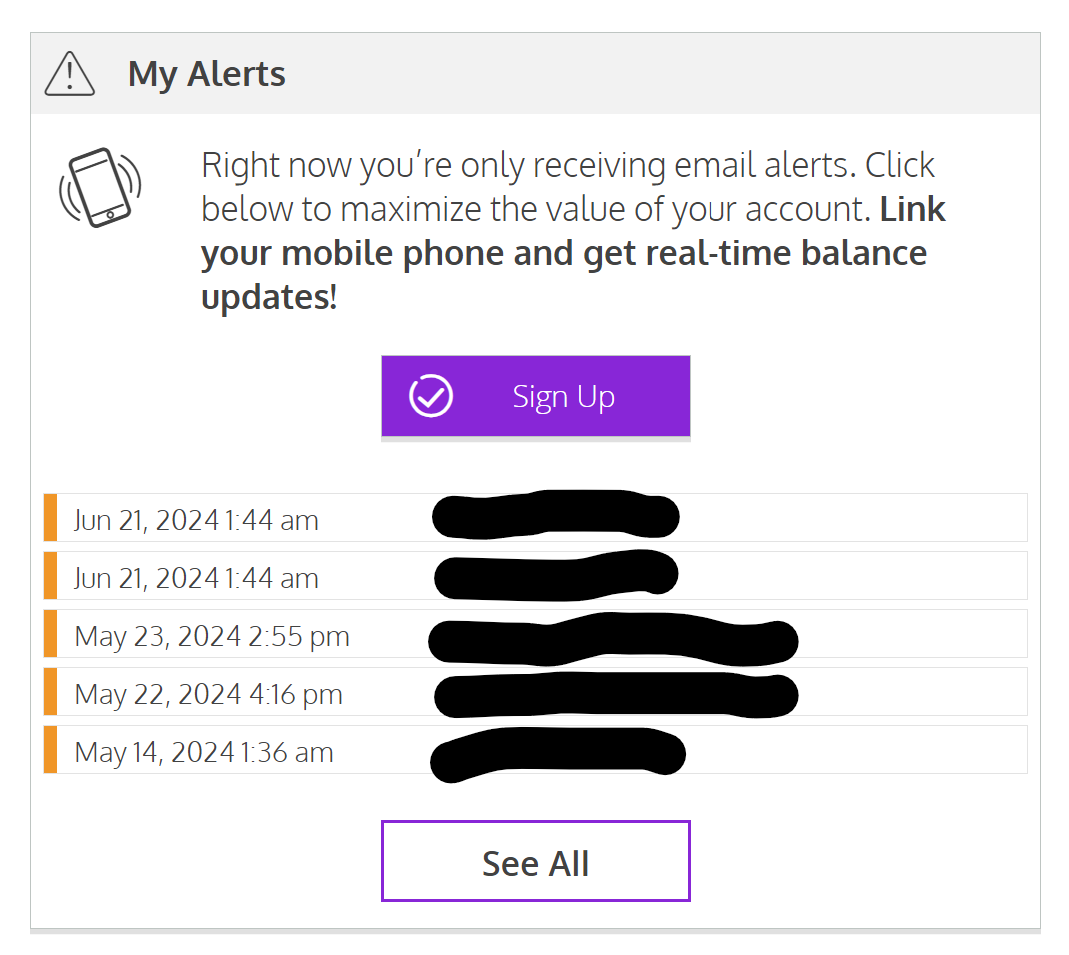
AlertsIf your account requires additional steps to open, then look for Alerts (under Your Account), and submit additional documentation as needed. If you have no additional alerts, then proceed to the next step to verify your account is ready to receive funds.
 |