We have made some significant changes to Toolbox over the last 6 months to create a better tool structure for everyone! However, we know it can be hard to navigate new systems so we wanted to give quick answers to some of the questions we have gotten from many people. If there's something else we should add to this page, email it to us at mtd@reliant.org


  1. After logging into Toolbox, open the menu item labeled "MTD Reporting"
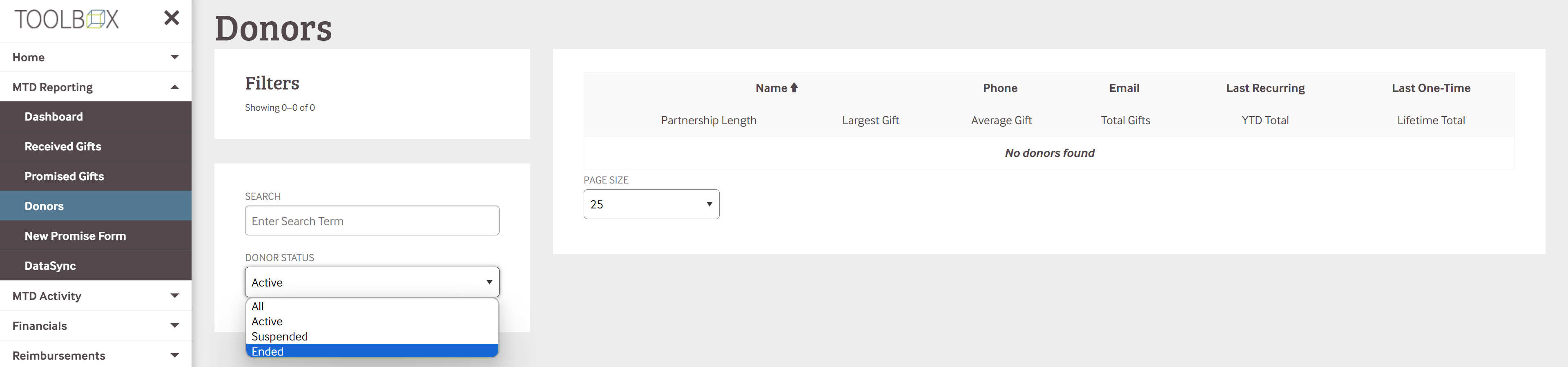
  2. Scroll down and select "Donors"
    1. This will pull up a list of your donors. The basic settings are set on "Active" donors but you can select "Suspended" or "Ended" to see other categories of donors.


  3. Once you have the list of donors up that you'd like to view, you can see overall information about each donor by selecting them individually:


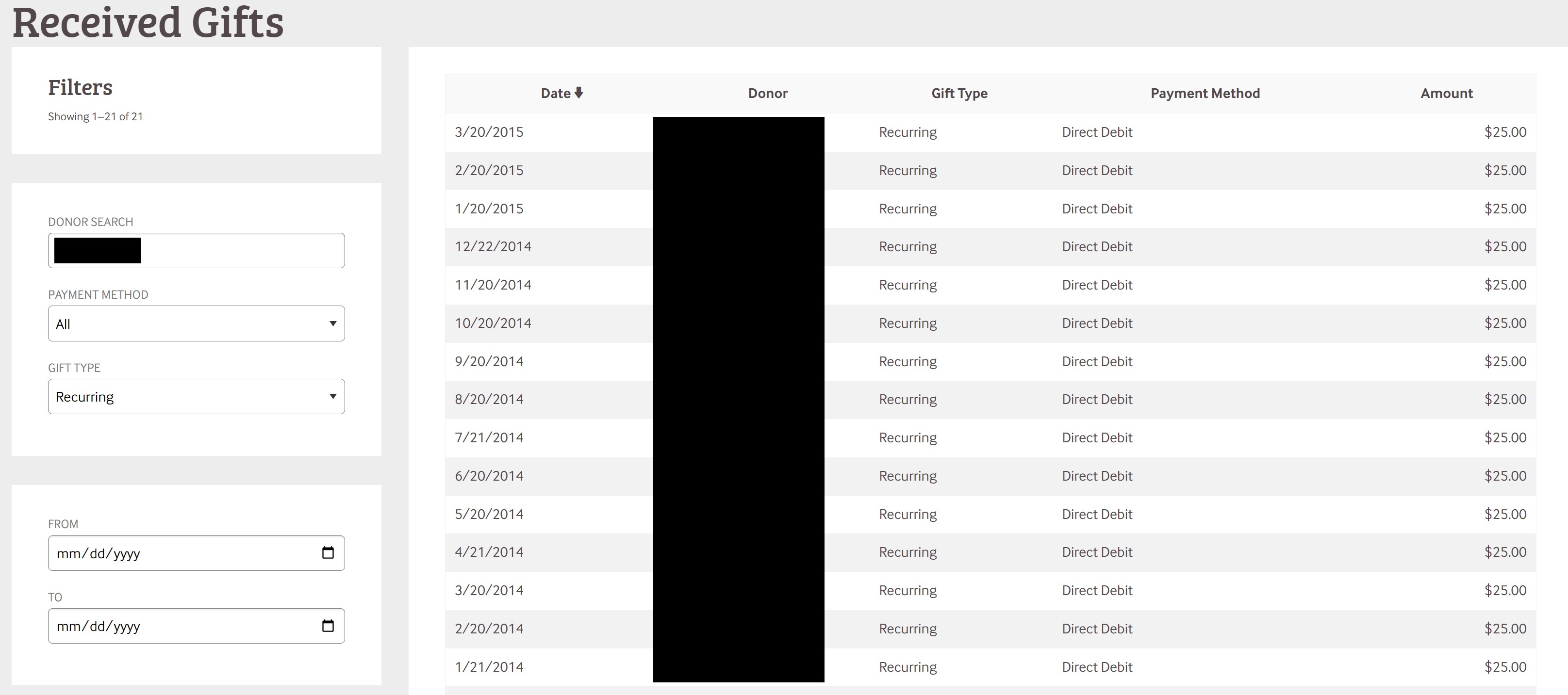
  1. You can dive in even further by selecting either the Last Recurring or One-Time gift. You'll be able to see the ongoing or one-time gifts from a specific donor with the date on the left and the amount on the right. This is a great way to see if an individual has changed their giving. You can also search on the left by payment type, gift type, and a specific time frame for a specific donor. 


  1. After logging into Toolbox, open the menu item labeled "MTD Reporting"
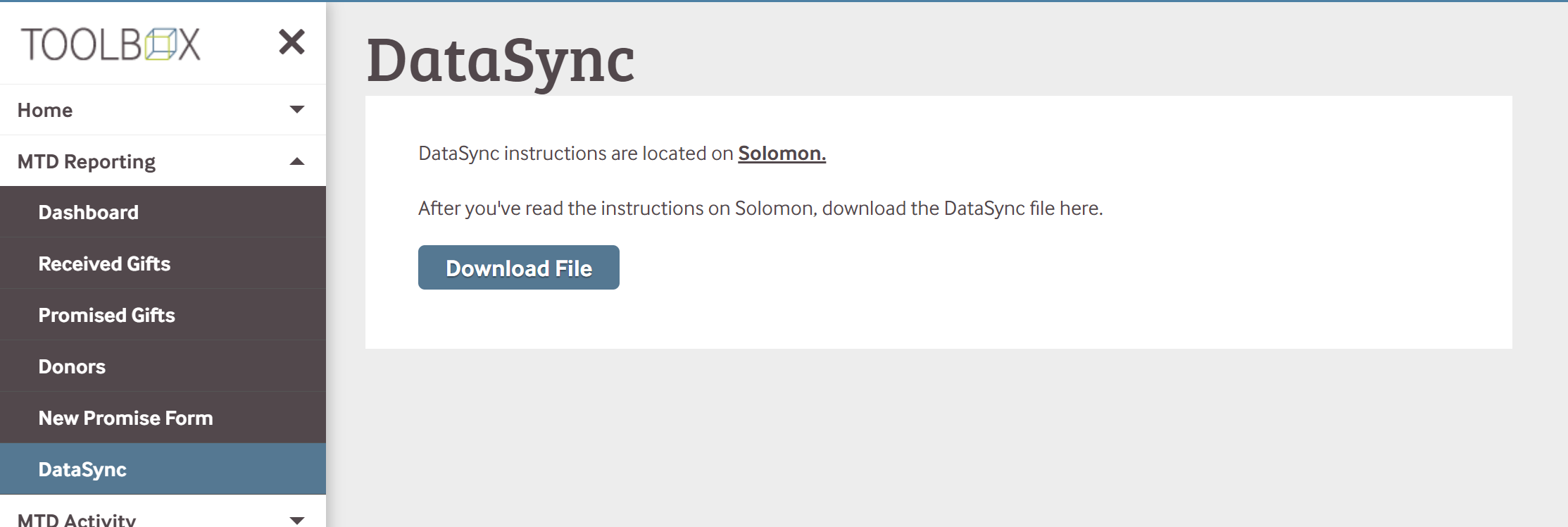
  2. Scroll down and select "Datasync".
  3. This will pull up the page where you can download your own personal datasync file to use with different Database platforms
    1. Here is a Solomon page that talks about how to use this file with different systems. 


One of the forms that has lived solely on Staffnet until now was the New Promise Gift form. This form allowed you to notify gift services when someone has verbally committed to giving a certain amount through a certain time frame but isn't able or willing to go through our recurring gift structure. Sometimes this can look like a check donor committing to give $25 a month; sometimes, this can look like a donor committing to give a large gift of $2,000 every July. Regardless of the situation, this form can notify gift services that this is the plan, and we can make that change in the background once the first gift is received to allow it to show up in your ongoing percentage.

Very useful, huh? We think so! We want you to have as much knowledge about your current MTD progress as we can, and this is another great tool that can help!

This now lives on Toolbox as well, Under the MTD Reporting Menu. Click that menu item, and it will take you to a page with clear instructions on how to send in that information. 

NOTE: Making any change using the New Promise Gift form is a manual process, this could take 2-5 business days to reflect on your percentage on Toolbox.


Is there something we should add to this page? Email mtd@reliant.org