


For assistance, problems or questions, please email us.
Page History
Ramp uses Microsoft Single Sign On (SSO) to log into Ramp - new users should receive an email from Reliant's network administrator with a Microsoft Reliant account and a temporary password.
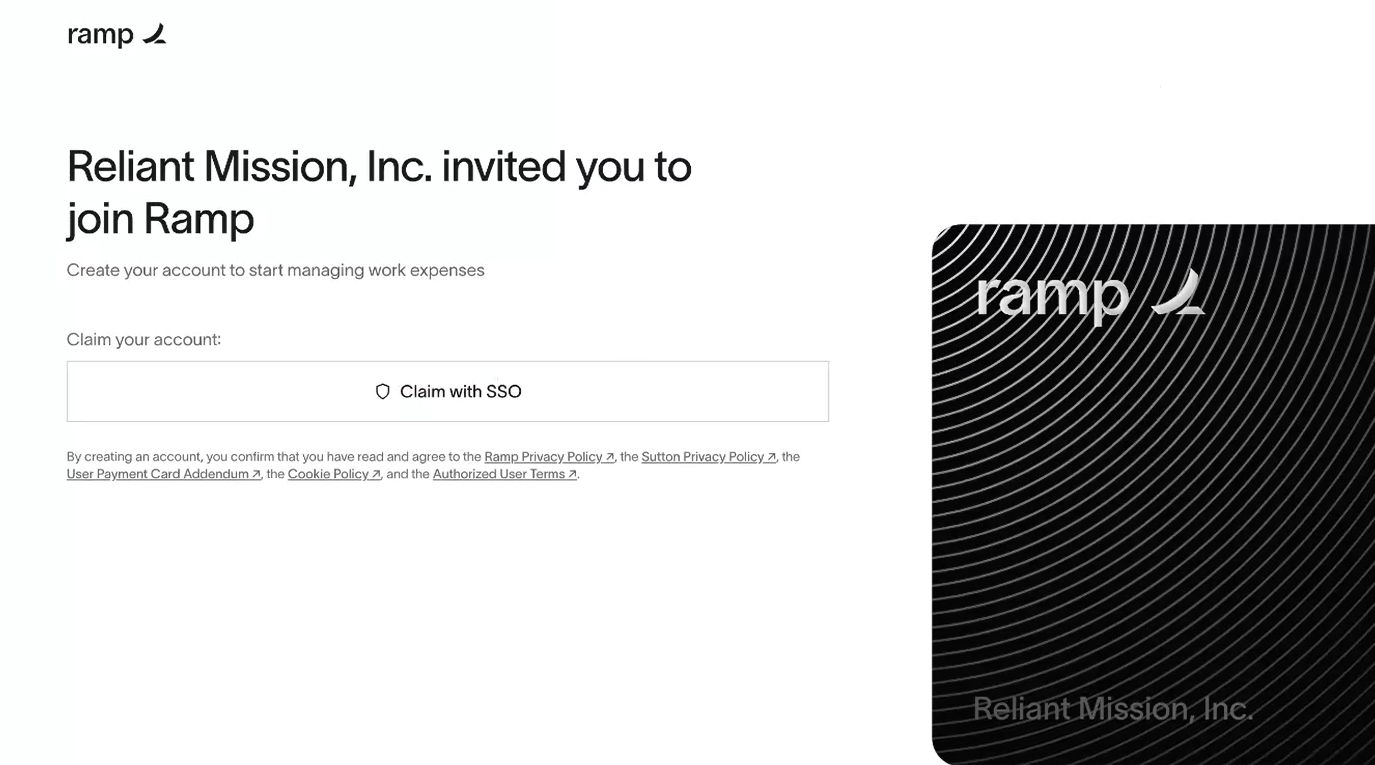
Open the Ramp invitation:
You should see:
A Microsoft 365 login will ask you to enter your work or school Reliant email and the temporary password
It will ask you to change your password
Sign in.
Enter your with your Reliant email. Hit Continue (note : the Ramp invite must be a reliant.org email, and accepted by the user first before logging into Ramp)
Enter the temporary password given to you by the network administrator
